
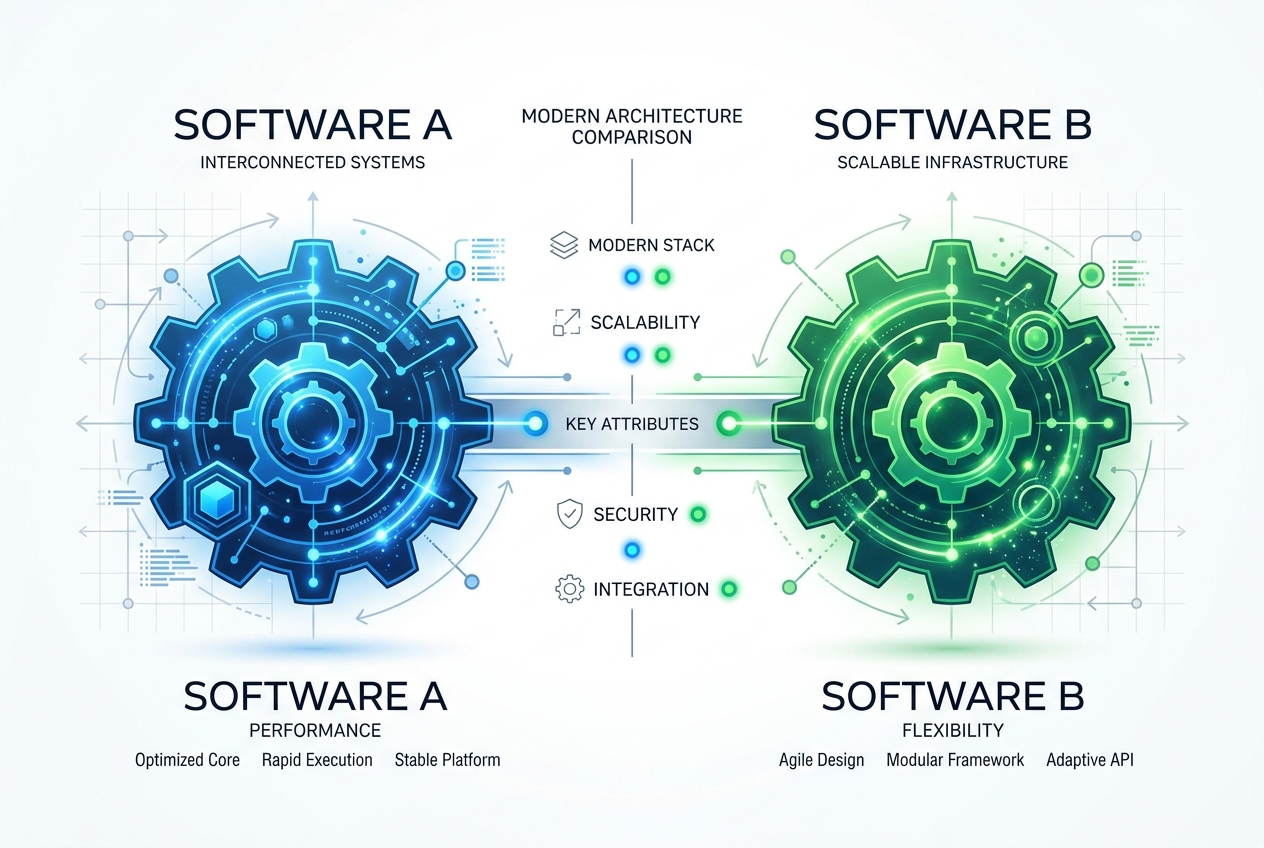
The Battle for Enterprise Automation supremacy
In the world of Robotic Process Automation (RPA) and digital workforce enablement, two platforms dominate enterprise adoption: Microsoft Power Automate and UiPath.
While both platforms share the common goal of automating repetitive business workflows and integrating legacy systems, they stem from completely different design philosophies, target audiences, and integration pathways. Choosing which tool to adopt in your company, or which software ecosystem to build your career on, is one of the most critical decisions automation developers make.
Let's break down the core differences across architecture, deployment, licensing, and developer career outcomes.
1. Architectural Differences: API-First vs. UI-First
The foundational design of both platforms dictates their strengths and weaknesses in automation development:
Microsoft Power Automate: API-First Integration
- Cloud-Native: Originally designed as Microsoft Flow, Power Automate thrives in cloud ecosystems. It features thousands of pre-built API connectors to popular cloud services (Office 365, Salesforce, Gmail).
- Low-Code Logic: Workflows are structured as sequential triggers and actions. It is highly optimized for automating documents and records between cloud applications without launching desktop software.
- Desktop Automation (PAD): While Power Automate Desktop provides screen-recording and screen-scraping capabilities, cloud-to-desktop orchestration requires premium licenses and gateway setups.
UiPath: UI-First & Advanced Screen Scraping
- Legacy System Mastery: UiPath was built to tackle the hardest automation challenge: interacting with older, mainframe, and desktop application UI screens (SAP, Citrix, Oracle Forms) that do not have APIs.
- Computer Vision & Document Understanding: Using advanced AI-driven computer vision, UiPath can recognize screen elements even when application windows scale or layouts change.
- Complex Orchestration: Designed for multi-bot, highly complex workflows, UiPath supports transaction-based queue handling, parallel activity flows, and robust state machines via the ReFrameWork.
2. Licensing & Enterprise Cost Comparison
Power Automate: The Microsoft Bundle Advantage
For organizations already operating on Microsoft 365, Power Automate presents a compelling economic argument. Basic cloud flows are often included in existing enterprise subscriptions, while premium standalone developer and bot licenses are priced per-user or per-flow at a fraction of the entry cost of traditional enterprise RPA platforms.
UiPath: High Premium for High-Performance
UiPath operates on an enterprise software pricing model. License bundles include developer studios (UiPath Studio), execution runtimes (attended/unattended bots), and orchestration controllers (UiPath Orchestrator). While the initial licensing costs are significantly higher than Power Automate, it provides unequaled capabilities for large-scale enterprise automation hubs (CoEs) managing hundreds of bots.
3. Developer Career Outcomes: Which is More Profitable?
If you are a professional planning your learning roadmap, both platforms offer lucrative, distinct career pathways:
- The UiPath Architect Path: Since UiPath is heavily favored by Fortune 500 enterprises and global consulting firms, UiPath Developer and Architect salaries remain at a premium. Mastering UiPath requires learning robust exception handling, workflow engineering, and framework architectures.
- The Power Automate Specialist Path: Power Automate is rapidly expanding because of its ease of deployment across mid-market companies. Power Automate specialists often transition into broader Microsoft Power Platform Developers (mastering Power Apps, Power BI, and Copilot Studio), making them invaluable to companies modernizing their complete IT stack.
Summary: Which Platform Should You Learn?
At RPAVault, we recommend learning both to maximize your market value. However, your starting point should align with your immediate goals:
- If your target is working with large enterprise legacy databases, mainframes, or desktop applications, start with our Advanced Agentic RPA UiPath program.
- If you want a fast, highly accessible entry point to build cloud workflows, integrate Microsoft 365, and build interactive apps, start with our RPA Agentic (UiPath + Power Automate) path.